The Odd Case of Interconnected Clocks
March 24, 2015
I just got back from a week in Brisbane, Australia. My phone automatically changed time to Queensland time as soon as I hit the tarmac when I took it out of flight mode. My laptop followed a bit later after I cleared customs and found a free Wi-Fi hotspot. It’s as seamless as it should be -- I expect my devices to know where they are.
What I didn’t expect was that my laptop at work thought it was there too.
Mind you, I didn’t take my laptop from work. I took my personal laptop which doesn’t know anything about the network at the office. It doesn’t connect to the VPN, has never been wired into the company Ethernet, and while it’s been on the guest network it has never been on the corporate network.
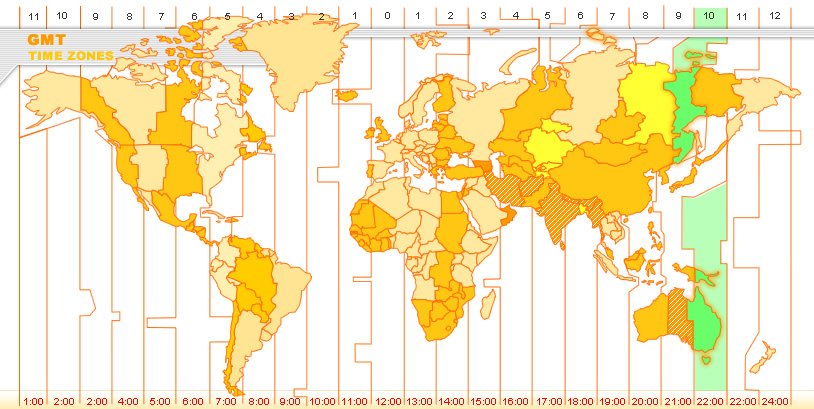 But when I got back to the office this morning and turned on my computer (which I had accidentally left unplugged), my 9:30AM Tuesday meeting said it was at 2:30AM Wednesday. Oh, and that it is 2:25 AM Wednesday so chop chop, get going. Then I noticed that the clock was on Queensland time. The clock on my work laptop that was sitting unplugged in Portland for a whole week.
Before you ask, I have separate Apple IDs for my work and personal App Store accounts, although I did log into my work email using the Microsoft Outlook website. I probably looked at a company SharePoint page, but these are browser items I’m just looking at. Microsoft can’t seem to get things to work right on a Mac anyhow, so this kind of sophistication seems unlikely from them.
Granted, I sign into Chrome with the same account on both machines, and I did tell Google to use the new time zone when I was in Brisbane, but from my experience, Chrome asks the system for the time, not the other way around. But, even if it was Google, I had already set my personal laptop back to Pacific time after I got home but before I went to work.
So the mystery thickens… This is probably a case of my knowing too much but it confuses the hell out of me because this shouldn’t be possible.
System clocks are a combination of software and hardware. Both Macs use Apple’s NTP (Network Time Protocol) server to find out the Coordinated Universal Time (UTC – aka GMT aka Zulu time, but not really). But the laptop uses location services to figure out what time zone I’m in either from your Wi-Fi hotspot (see Your Phone Is Spying on Everyone) or your GPS. Once the clock is set, it’s set – that time and time zone are recorded to the clock chip.
If my laptop at work was off, then it shouldn’t have been updated to Queensland time until I turned it on this morning. Which means someone told it that its owner, and therefore the profile it should be showing, is in Queensland. And then, for some reason, it ignored the fact that the network connection was telling it that it was in Portland, so it displayed my calendar as 17 hours in the future.
What I still don’t know is what service told my work laptop where I was. And what really bugs me is if I don’t know what is communicating between my personal and work computers, then any illusion of privacy is even more ethereal than even I assumed, and that if the things talking to each other are this sloppy, no one really cares that I know.
Your resume is your most valuable tool in your job search. But how do you know your resume is in top shape?
Our recruiters will review your resume line by line and give you detailed feedback on how you can improve it.
Visit mjlprojects.com to learn more!